
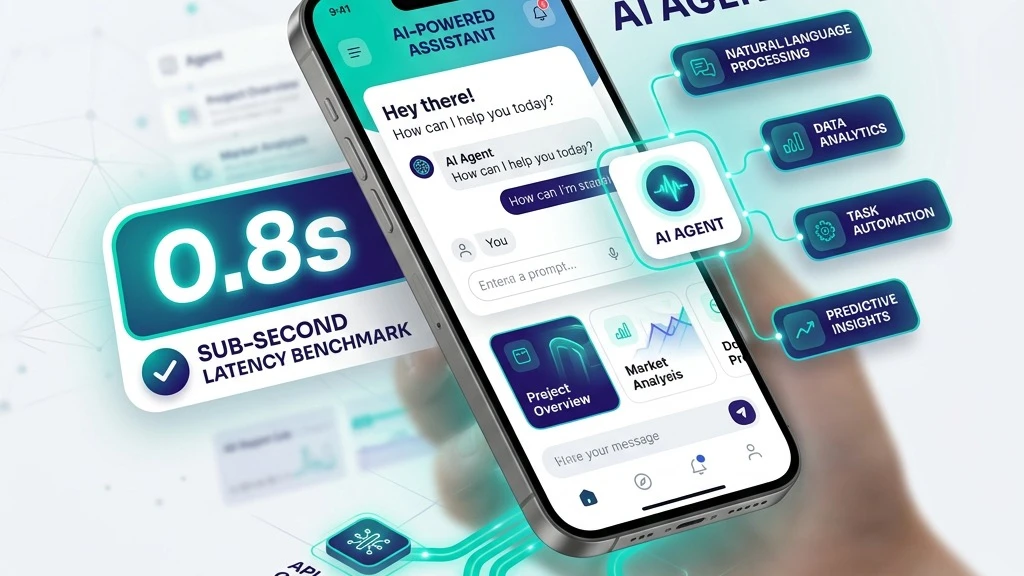
Don't Rebuild Your App. Add AI Where Your Users Already Are.
AI native startups are launching at record speed. If you operate an established iOS or Android mobile application, you might feel the pressure to innovate fast. But you don't need to rebuild your application from scratch to deliver game-changing AI capabilities.
Whether you want to add an intelligent voice assistant, an automated in-app support agent, or complex task execution capabilities, integrating an AI agent into an existing codebase can be done cleanly in 2 to 4 weeks when approached with the right strategy.
Here is the 5-step blueprint we use at Quantum Bases to integrate production-ready AI agents into existing mobile apps with zero downtime.
Step 1: Define Narrow, High-Value Agent Tooling
The biggest mistake founders make when adding AI to their mobile app is creating a generic "Ask Me Anything" chatbot widget. Users quickly tire of general Q&A.
Instead, grant your AI agent specific function-calling abilities (Tools) that interact directly with your app's existing APIs:
By defining clear schema inputs and permission checks, the AI agent becomes a hands-free action engine inside your app.
Step 2: Establish Secure API & Proxy Boundaries
Never embed raw AI API keys (OpenAI, Anthropic, Gemini, or custom models) inside your iOS or Android app bundle. Reverse engineering mobile APKs or IPA files to extract hardcoded API secrets takes minutes for attackers.
Instead, route all mobile AI communication through an AI Middleware Gateway:
Step 3: Implement Real-Time Streaming UI UX
Users expect instantaneous feedback on mobile. If an AI agent button is tapped and nothing happens for 3 seconds, users tap again or exit the screen.
- Instant Visual Acknowledgement: Provide immediate tactile feedback (<50ms) with typing indicators or animated status waves.
- Streaming Response Token by Token: Render text as it generates over SSE / WebSocket streaming channels.
- Micro-Animations & Haptics: Add subtle mobile haptics as completion triggers occur to elevate the premium feel.
Step 4: Comprehensive Edge & Device Testing
Mobile devices come in thousands of variations—from high-end iPhones to budget Android devices on throttled 3G networks.
Before releasing your AI update to the App Store or Google Play:
Step 5: Ship, Measure, and Iterate
Once integrated, track key performance indicators (KPIs):
Ready to Add an AI Agent to Your Mobile App?
Integrating AI doesn't have to be overwhelming or risky. At Quantum Bases, our team of senior AI and mobile engineers handles the complete integration process:
Want to see what an AI agent can do for your mobile app?
👉 Schedule a Free Engineering Consultation with Quantum Bases or explore our Mobile AI Case Studies.